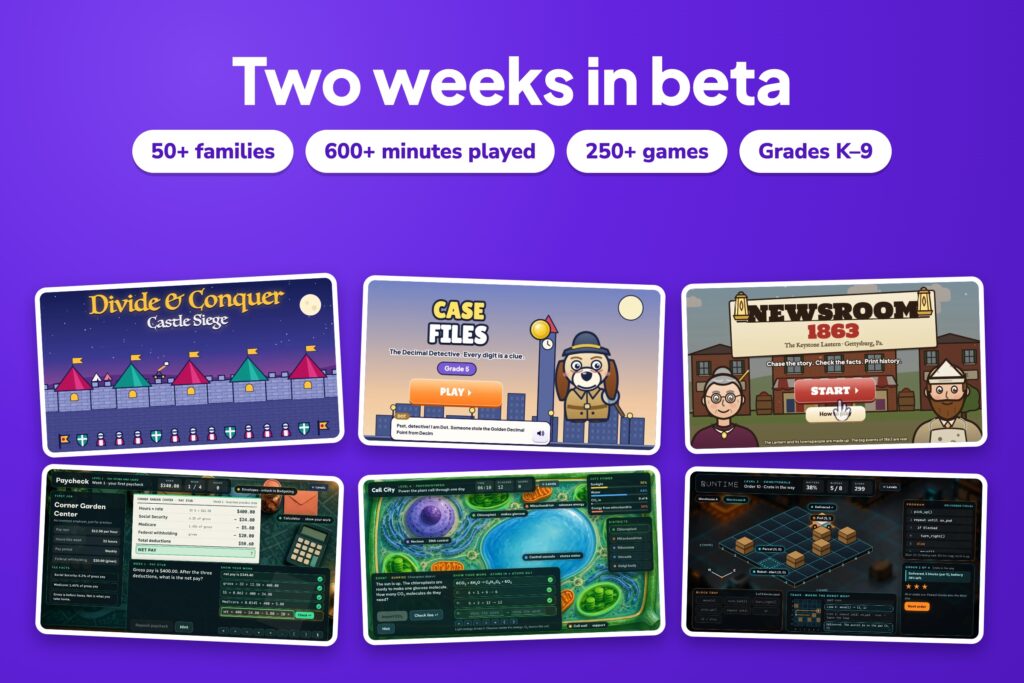
Two weeks ago, Studying with Dad opened its doors in beta. I hoped a few families would give it a try. Instead, more than 50 families are now playing every week, and their kids have been busy. Here’s what’s new, what’s working, and where we’re headed.
Two weeks in beta
More than 50 families in two weeks
Every family that signed up came for the same reason we built this: kids learn more when practice feels like play. Together, kids have already logged more than 600 minutes of play. Parents tell us their kids ask to play after dinner, finish one more round before bed, and show off what they learned.
That’s the whole idea. Thank you for trying it, telling friends and sending feedback. Every note has made the site better.
Now more than 250 games
The library has grown to more than 250 games, from kindergarten through ninth grade. They cover math, reading, writing and grammar, science, social studies, health, music and art, and keyboarding.
Every game is its own world. There’s no shared template with a new coat of paint. Each one has its own story, characters and way to play, built around one skill a school actually teaches.
With that many games, finding the right one matters. So kids now pick a topic the way their school names it, like Fractions, Multiplying and dividing, or Earth, weather and space. Each topic shows the games in order: learn it, play it, then practice.
A few new games worth a look
These are some of the bigger new games, the ones that help most with skills kids find hard.
Divide & Conquer: Castle Siege (grade 4)
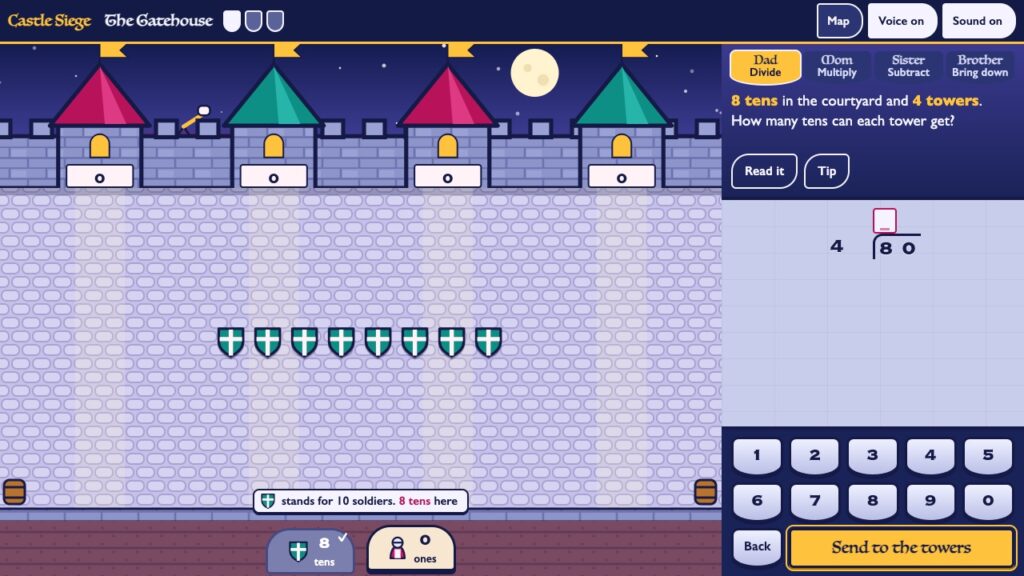
Long division as a siege. Kids divide, multiply, subtract and bring down by moving real regiments to the towers, so they finally see why each step works.
Case Files: The Decimal Detective (grade 5)
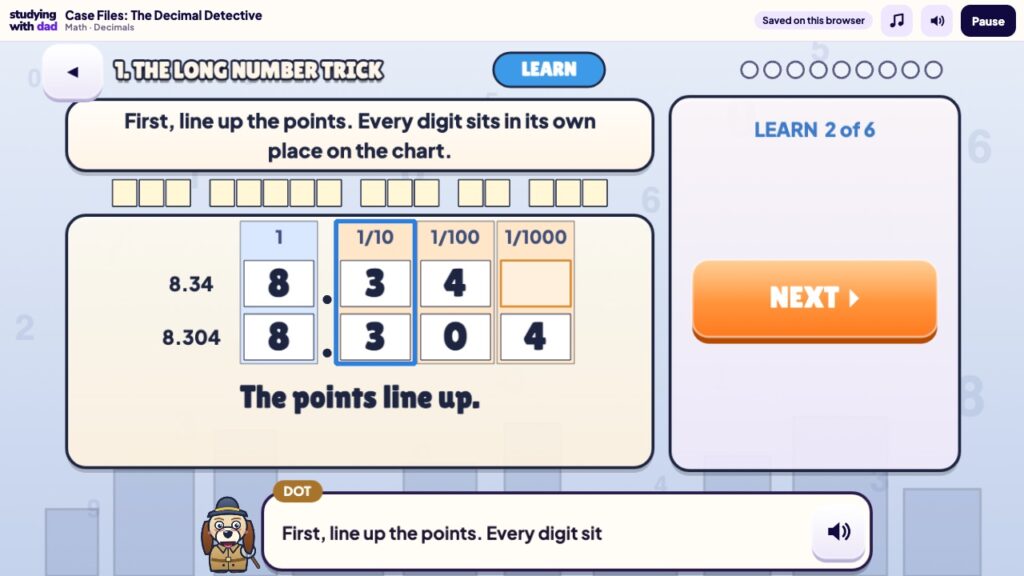
Detective Dot the basset hound solves decimal puzzles on the place-value chart to crack the case. Lining up the points and comparing place by place becomes a clue hunt.
Newsroom 1863 (grade 5)
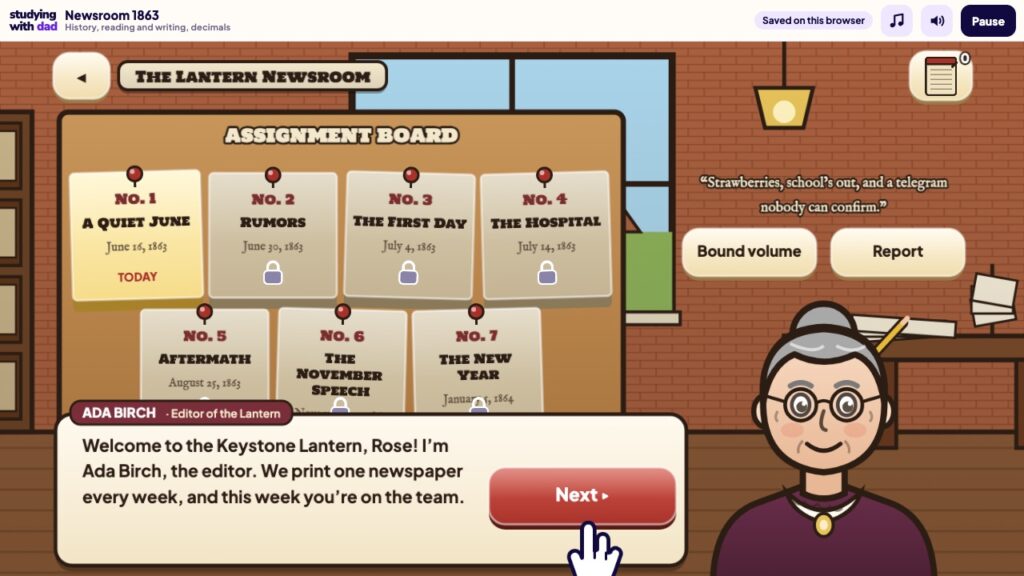
Be a young reporter at a newspaper in 1863. Chase rumors, check the facts, write fair headlines and print the story of Gettysburg.
Paycheck (grade 7)
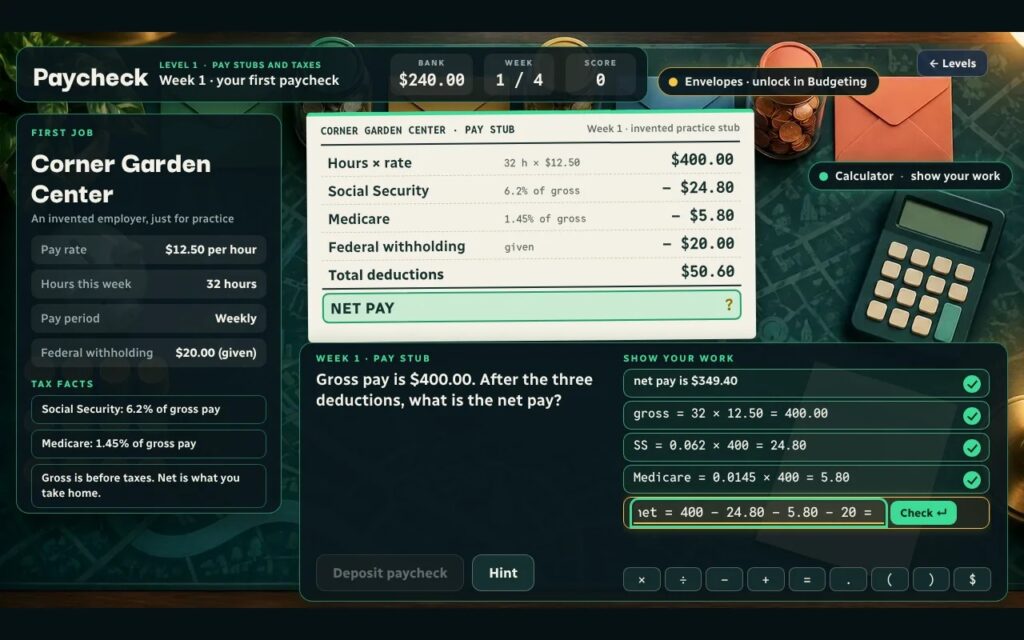
A first job on a budget desk. Read pay stubs, fill budget envelopes, hit a savings goal and compare interest. It’s the money sense every kid needs.
Cell City (grade 7)
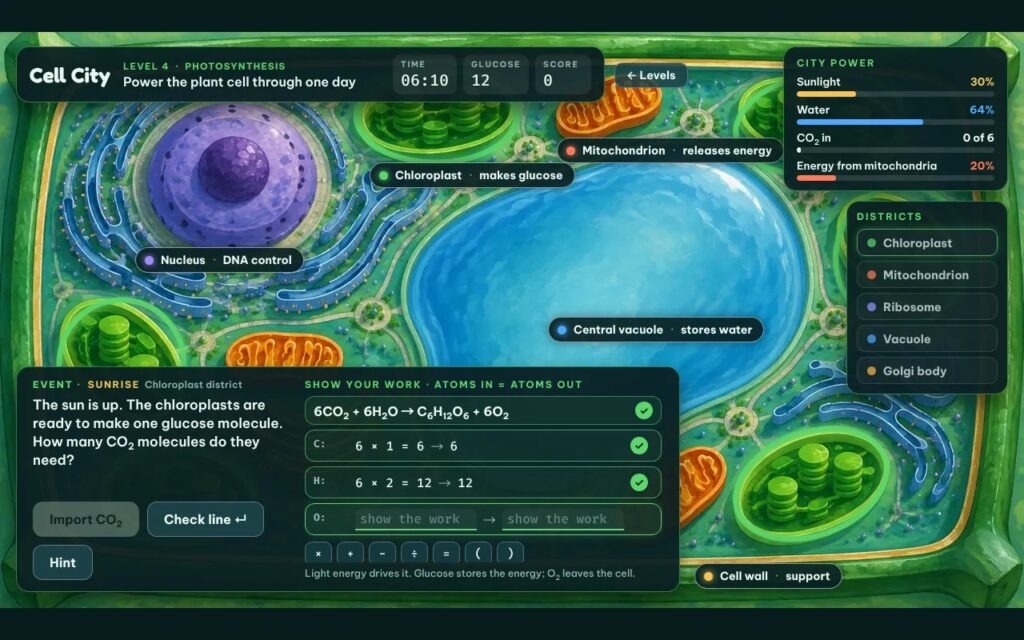
Build a city inside a cell. Place organelle districts, route cargo, and balance photosynthesis and respiration to keep the power on.
Runtime (grade 7)
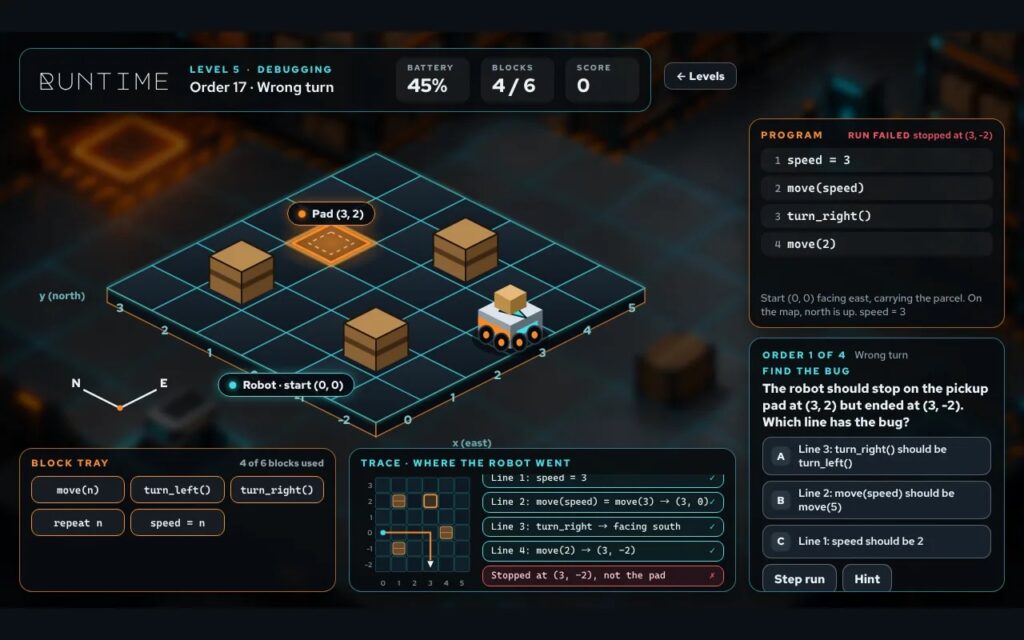
Program a delivery robot with code blocks. Use loops, if and else, and variables, and debug the programs that send it the wrong way.
Keyboard Quest (grades K–8)
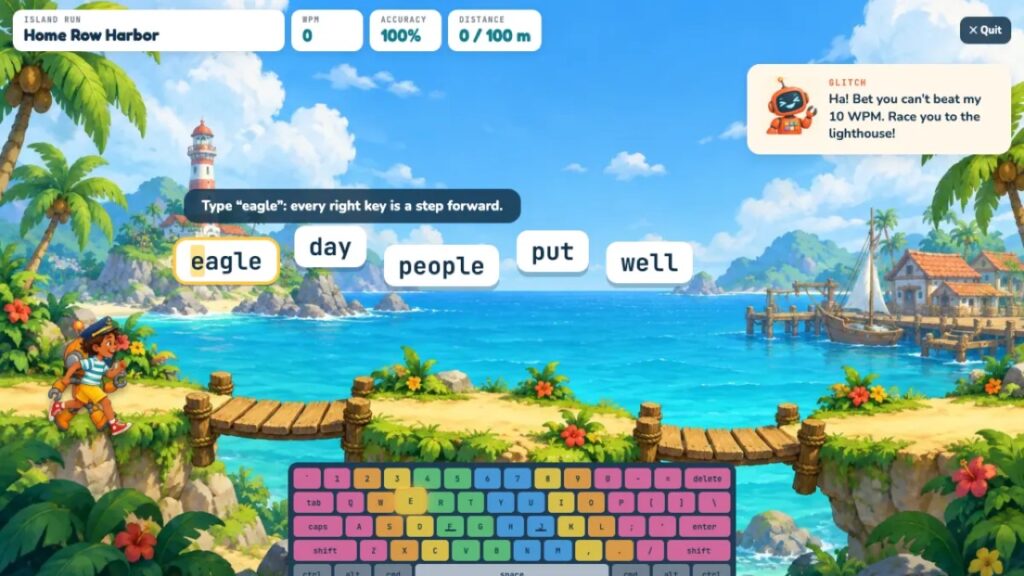
A full typing course. Kids sail from island to island with Professor Keys, from finding letters at Key Cove to touch typing at Home Row Harbor, all the way to real emails and a 40-words-a-minute final exam at Pro Port. For a quick break, Keyboard Quest Races lets kids race a swimmer or a sailboat.
There are many more in the game library, sorted by grade.
Challenge mode: kids vs. grown-ups
With family challenges, a kid can challenge a grown-up to the same game they just played. The kid sets the score, you take your turn, and everyone sees the results on one shared board. Your kid’s score stays hidden until you’ve played, so nobody plays it safe.
Kids love being the expert for once. A rematch is also a great reason to practice one more time. Grandparents and relatives can join in too, with a private link and no account.
Teacher mode: a free class space
Teachers can now set up a free classroom. Students join with a code or QR code and their first name and last initial. There are no student emails and no passwords to forget.
Teachers can plan an agenda with a goal, see who practiced and what to revisit, and download a report. They can also plan a remote day for snow days and school breaks. Class and home stay separate, and families see only their own child’s class report. Teachers can learn more on the For Teachers page.
Still in beta, and we want your feedback
We’re still in beta, and that’s on purpose. Every game has a quick feedback button, and we read every answer. If a game is too easy, too hard or just plain confusing, tell us. If your kid loves one, tell us that too. You can also write to us from the contact page.
Big new games on the horizon
The biggest games yet are already in testing with a small group of families. One is a time-travel history adventure, where kids ride through dozens of moments in history, meet the people who were there and earn their ticket to the next stop. Others are already being built.
Keep an eye on the New Releases page.
Thank you
To every family who signed up in these first two weeks: thank you. You took a chance on something new, and your kids are the reason it keeps getting better.
Studying with Dad is free to play right now. If you haven’t yet, create your free family account, add your kids, and let them pick a topic.
— Dad