

Free Typing Game for Kids, K–8

Keyboard Quest
Skill
Keyboarding
What students practice
Learn the keyboard from finding letters to touch typing, punctuation, numbers, symbols and shortcuts, then use typing for real work: timed writing, emails, essays and forms, always with accuracy before speed.
Helpful to know first
None. Best with a keyboard.
How it plays
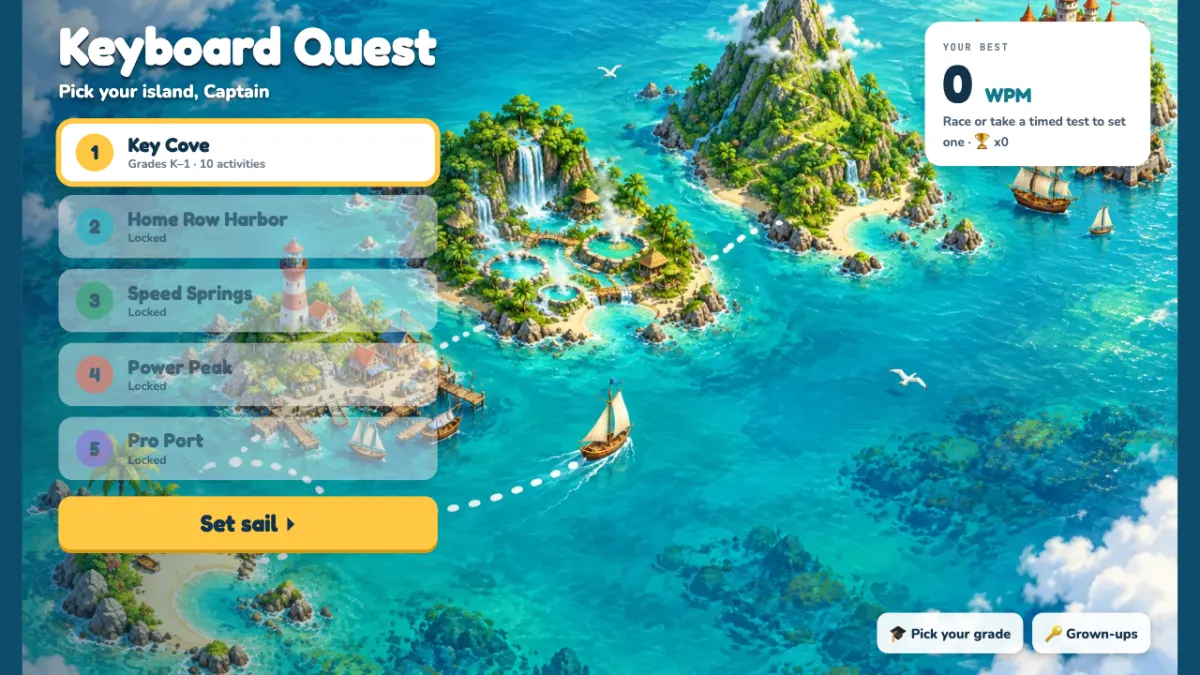
Keyboard Quest is a whole typing course on five islands. Key Cove (K to 1) finds letters, the space bar, Enter and Backspace, and practices the mouse and good posture. Home Row Harbor (2 to 3) teaches touch typing row by row, with an Island Run race and a Shortcut Shop for copy, paste and undo. Speed Springs (4 to 5) adds capitals, punctuation, the number row and a number pad Cash Register, plus Bubble Pop, Think and Type, and the Swim Meet and Regatta races. Power Peak (6 to 7) covers symbols, formatting shortcuts, moving without the mouse and timed writing. Pro Port (8) puts it to work in emails, an essay with a citation, forms, code symbols and a final exam.
Picking a grade on the map opens that grade’s island, and each island opens once most of the one before is done. Every key is colored by finger, the next key glows, and a hint names the finger to use. Lessons pass at 90% accuracy, and every activity ends with the keys to practice and a certificate.
Reviews
No reviews yet. Played Keyboard Quest with your kids? Tell other families what you thought.